
CS2 Knife Commands: How to Try Any Knife for Free
Every CS2 player has been there: staring at a knife listing, wondering if it'll actually feel as good as it looks. The skin renders are great, the Steam Market screenshots are great, but none of that tells you how the knife moves when you're holding it.
There's a fast and easy way to find out, and it doesn't cost a thing.
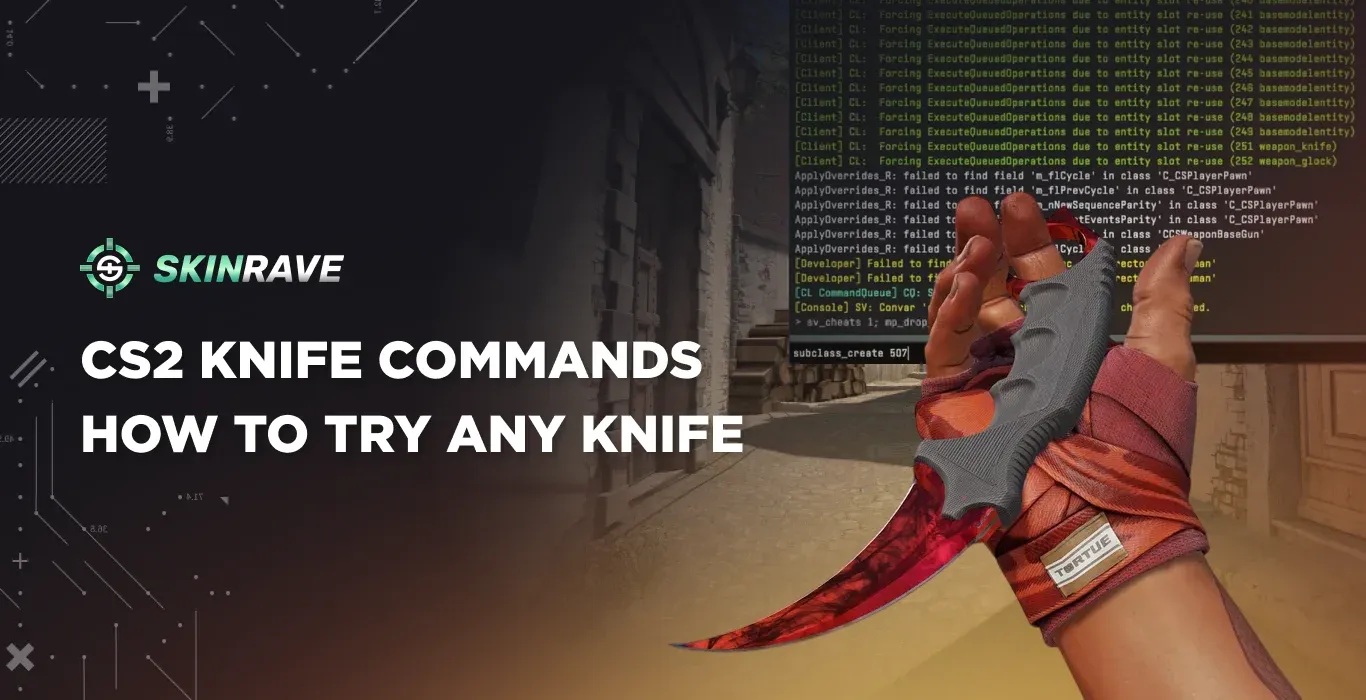
CS2's developer console has a set of knife commands that let you spawn any knife model directly in an offline match. Pick it up, run around with it, hit F to trigger the inspect animation, and swing it a few times. In under a minute you'll know whether it's actually worth the money.
This guide covers every CS2 knife command you need to know, including the full list of knife IDs and a step-by-step setup walkthrough.
What Are CS2 Knife Commands?
CS2 knife commands are developer console inputs that let you swap your in-game knife model. They only work offline or in private lobbies with cheats enabled. Otherwise, Valve blocks them in competitive matchmaking by design.
These commands are especially useful because knives are some of the most expensive cosmetics in the game. A vanilla Butterfly Knife can already run into hundreds of dollars, while rare patterns like Karambit Blue Gem can cost tens of thousands. Using console commands to try before you buy is just smart.
Step 1 – Enable the Developer Console
Before anything else, you need the console open.
Go to Settings → Game → Enable Developer Console and set it to Yes. The default key to open it is ~ (tilde), but you can rebind it in keyboard settings if needed.
Step 2 – Start an Offline Game
Knife commands require sv_cheats 1, which only works in offline bot matches or private servers you control. Load into any map through the console or the offline play menu.
Once you're in, open the console and type:
sv_cheats 1
This unlocks cheat commands for your session. It won't get you banned – VAC only flags third-party software, not console commands in private matches.
Step 3 – Enable Knife Dropping
By default, CS2 won't let you drop your knife. You need to unlock that first:
mp_drop_knife_enable 1
Once that's in, press G to drop your current knife onto the ground.
Step 4 – Spawn Your Knife
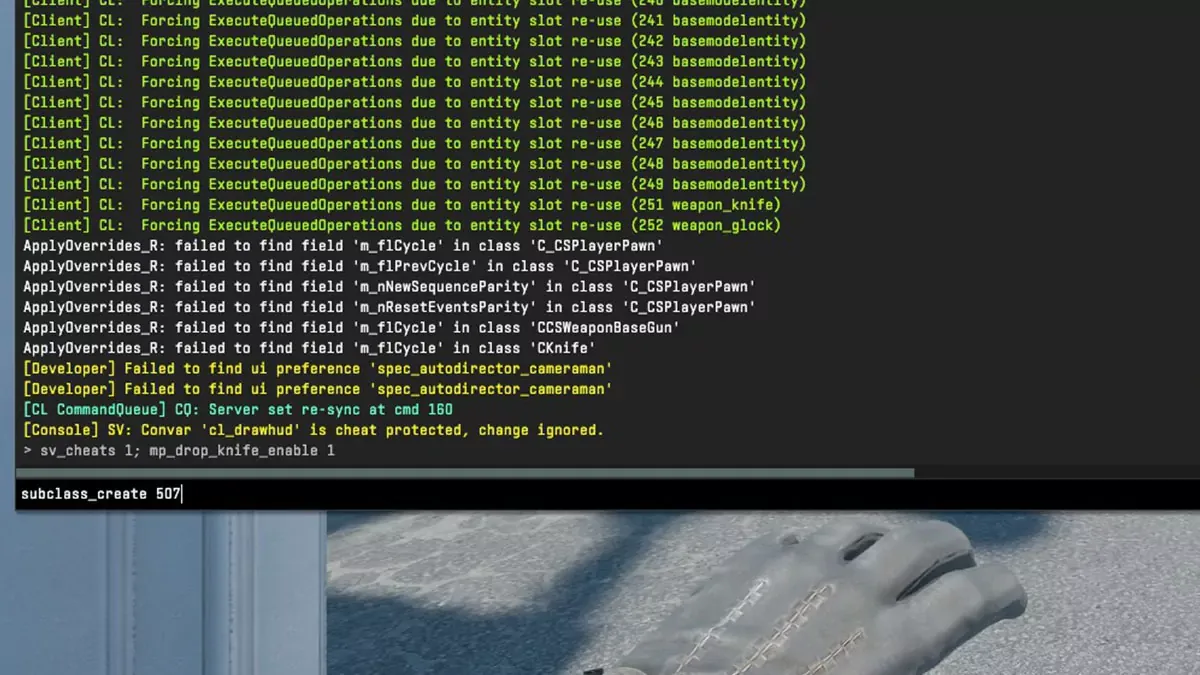
With your knife on the ground, open the console and run:
subclass_change [ID]
Replace [ID] with the number for the knife you want (full list below). Walk over the knife to pick it up, and you're done. You'll immediately see the new model and animations.
Alternatively, use subclass_create [ID] to spawn a second knife in front of you instead of replacing the dropped one.
Note for CS:GO veterans: The old give weapon_knife_karambit syntax no longer works in CS2. The Source 2 engine handles knife models differently, so subclass_change is the only method that actually works now.
Full CS2 Knife Command List
CS2 Butterfly Knife Command
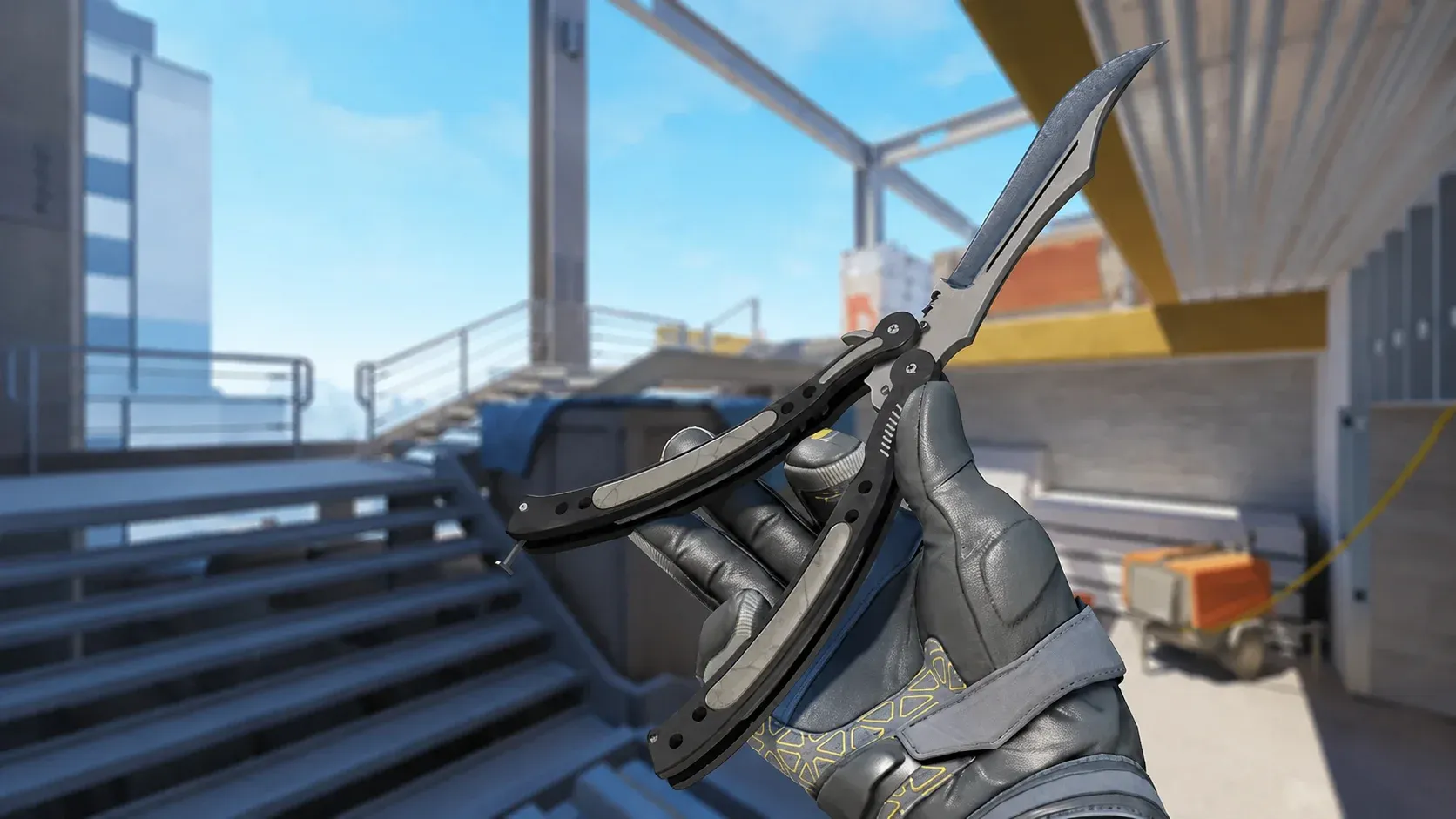
The CS2 butterfly knife command is one of the most searched because of how distinctive the flip animation is. To test it:
subclass_change 515
Drop your knife with G, run the command, and pick it up. Press F to inspect and watch the full flip sequence.
What You Can and Can't Do With Knife Commands
What works:
- Testing any knife model and its animations
- Using the inspect animation (F key)
- Switching between multiple knives in one session
What doesn't work:
- Previewing skins – commands only spawn vanilla (no finish) knives
- Using commands in matchmaking or official servers
- Permanently adding a knife to your inventory
To preview actual knife skins, use the "Inspect in Game" button on the Steam Market listing, or join a community plugin server that simulates cosmetics.
Common Issues
Commands not working? Check in this order:
- Did you type sv_cheats 1 first?
- Did you run mp_drop_knife_enable 1?
- Are you in an offline or private match?
Knife not spawning correctly on the CT side? Switch to Terrorist, then run the command again. Some knife models have a known issue on the CT side.
Console not opening? Double-check that Enable Developer Console is set to Yes in game settings, and that the bind key isn't conflicting with another action.
Final Thoughts
CS2 knife commands are the most practical way to test knives before spending real money. The setup takes under a minute, works with every knife in the game, and carries zero risk of a ban when used offline. Whether you're deciding between a Karambit and a Butterfly Knife, or just want to play around with animations, this is the method to use.