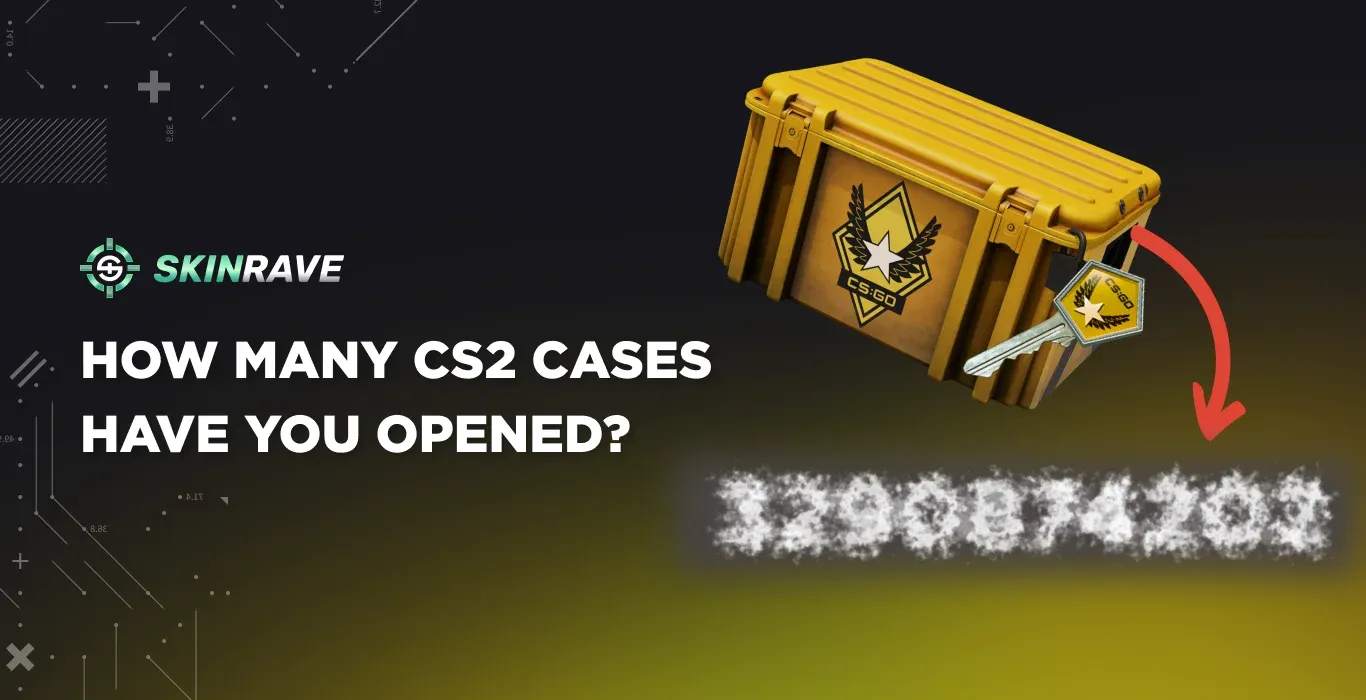

How to check how Many CS2 Cases Have You Opened?
Case openings is one of the most entertaining features of CS2, which has been a core part of Counter-Strike’s culture since 2013. While it launched small, it has grown to include hundreds of unique skins that players chase every day. After playing CS2 for a few years, opening the occasional case becomes almost inevitable. At some point, though, many players start wondering about the bigger picture – how many cases they’ve opened and what their unboxing history really looks like.
Unfortunately, Steam doesn’t provide a built-in way to track detailed unboxing statistics. Luckily, there are two alternatives. If you want to find out how many cases you’ve opened in CS2, you’re in the right place.
Method 1: Manual Calculation
The first method requires some manual work and is a longer way to find out the number of cases you've opened. Nevertheless, we want to mention every possible option, so you can choose the one that suits you best.
- Open Steam and head to Inventory
- Click on "More..." and then on "View Inventory History"
- Simultaneously press "Ctrl" and "F", which will open the search window.
- Type "Unlocked a Container" in the window.
Now you can see the number of the unlocked containers. However, that number is the total of all containers, not only cases. Also, if you haven't loaded the whole history, the number might be understated. That is why our second method is more useful.
Method 2: CS2 Stats Chrome Extension
Before proceeding, we want to note that this is not a promotional article, and the purpose of mentioning this website is only to help our readers.
The LootSpectrum Chrome extension is the safest and easiest way of seeing your unboxing statistics in CS2. By visiting this website, and clicking on "Add to Chrome", you add this extension to your Chrome. But keep in mind that it only works on Google and Firefox.
Then, you should head to your Steam Account (on Google) -> Inventory -> click on More -> View Inventory History.

Right there, you should see a "Load Stats" button. Click on it and wait for a few minutes. It analyzes the whole history of your account, with all your unboxings, drops, trade-ups, and so on. After some time it shows you the stats.
You can see the total number of opened cases, the drop rarity, and more.
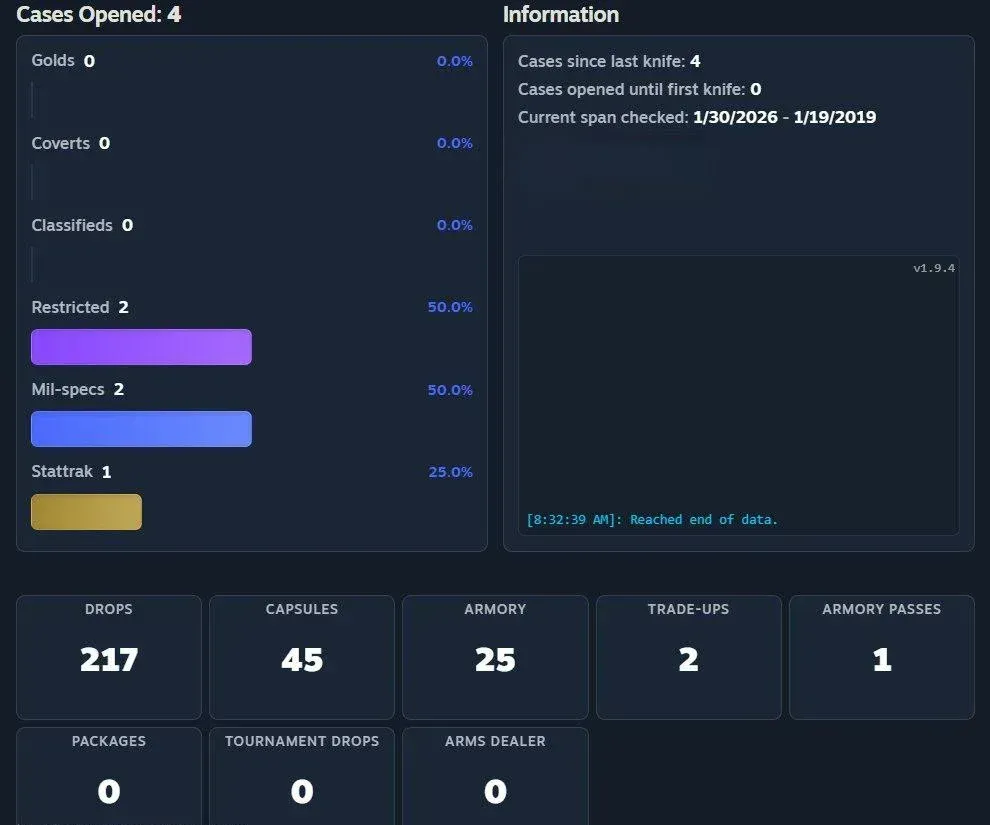
But if you want to see a more detailed analysis, you can become a supporter of the website. For a small fee, you can see every case you opened through the years, find out which one is your lucky one.
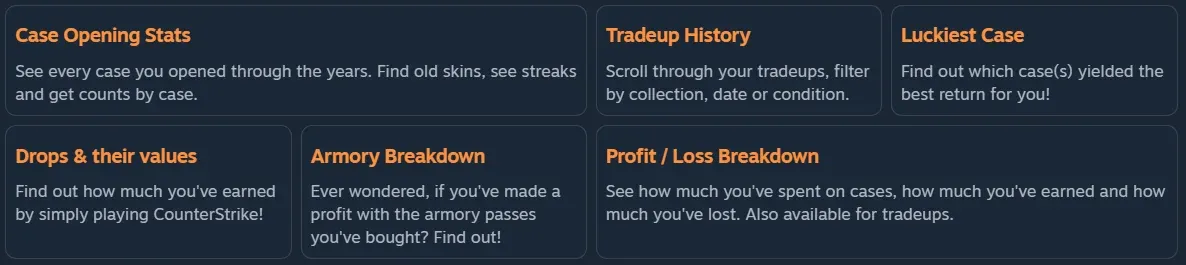
The paid features also include the Trade-up History and Armory Breakdown. But the most interesting and useful feature is the Profit/Loss Analysis, which shows if you have made or lost money over the years.
Responsible Case Opening Tips
Despite all the great feelings, it is crucial to be responsible while opening cases in CS2. Case openings are entirely dependent on luck, and there is a low chance of getting high-tier skins. Ultimately, it's not a way to make money, and one should consider it for entertainment only.
Some tips that might help you:
- Having a strict budget is one of the best ways to be responsible while case opening.
- Never try to chase losses by opening cases.
- Buying skins directly is cheaper than buying cases for a specific skin (in the long term).
Finally, remember that CS2 cases should never interfere with your real-life finances or responsibilities. If opening cases stops being fun or starts feeling frustrating, it’s a good sign to take a break. Enjoy the skins you already have, play the game for its competitive and social aspects, and keep case openings as an occasional bonus rather than a habit.