
CS2 Mouse Settings: A Complete Guide to Perfecting Your Aim
Every new player in Counter-Strike 2 needs time to adapt to the game’s mechanics and tailor them to their personal playstyle. You can remap every key on your keyboard to fit your preferences, but the most crucial — and often most challenging — part of setup is your mouse settings.
If your mouse doesn’t feel right, even the best aim training won’t help. You’ll miss your shots, lose duels, and wonder why your crosshair feels “off.” Mastering your mouse settings ensures that every movement you make translates naturally in-game, giving you full control over your aim.
Let’s break down what makes up your mouse configuration and how to adjust it for maximum performance.
What is DPI?
DPI, which stands for Dots per Inch, measures how sensitive your mouse sensor is. It determines how far your cursor moves on the screen for every inch of real physical movement.
A higher DPI means your cursor travels farther with smaller hand movements, making your mouse feel faster and more sensitive. A lower DPI gives you slower, more controlled movements — ideal for precise aiming.
Most professional CS2 players use a DPI near 800, because it offers a good balance between precision and speed. Remember, higher doesn’t always mean better — what matters most is finding a setting that feels natural for your hand and desk space.
But there is also In-Game Sensitivity, which also affects your mouse movement.
In-Game sensitivity
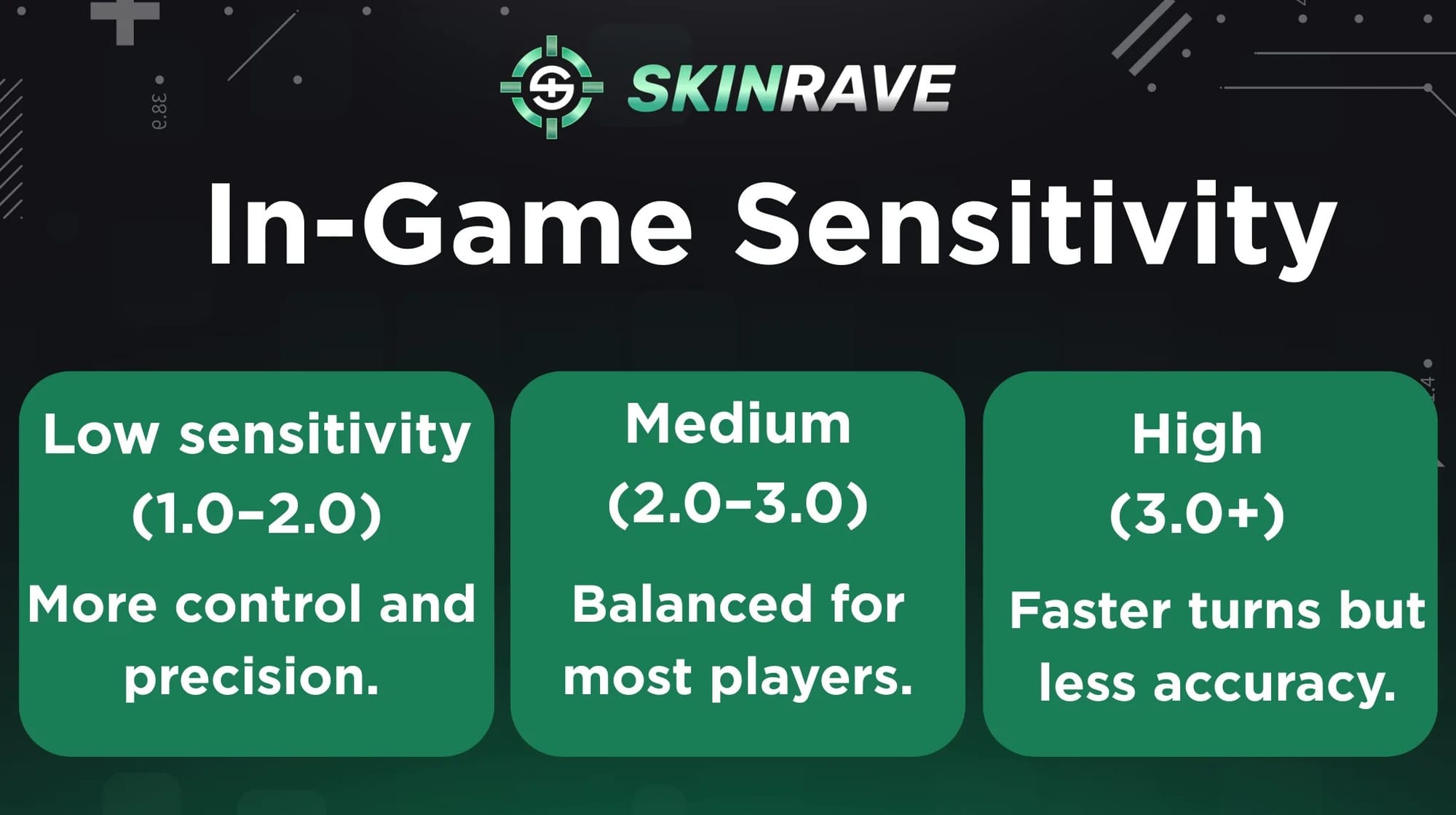
Your in-game sensitivity controls how much your aim moves in CS2 when you move the mouse. It works together with DPI to define your overall feel.
- Low sensitivity (1.0–2.0): More control and precision.
- Medium (2.0–3.0): Balanced for most players.
- High (3.0+): Faster turns but less accuracy.
Stick with one setting once it feels natural — consistency builds muscle memory and sharper aim.
Understanding EDPI
As two settings change mouse sensitivity, we need to find a common ground to balance them. That’s where EDPI (Effective Dots Per Inch) comes in.
EDPI is calculated by multiplying your DPI by your in-game sensitivity:
- EDPI = DPI × In-Game Sensitivity
For example, if your DPI is 400 and your in-game sensitivity is 2.0, your EDPI equals 800.
Usually, pro players choose an EDPI between 800 and 1200, so we highly suggest trying to find your match in that range.
EDPI is the best way to compare settings across players, since it gives a single value for your overall sensitivity.
Finding Your Ideal Sensitivity
The goal is to find a sensitivity that lets you turn comfortably without losing accuracy. A common rule of thumb is to adjust your settings until you can do a 180° turn with one full mouse swipe across your mousepad.
Consistency is key — once you find a setup that feels comfortable, stick with it. Constantly changing sensitivity will only make it harder for your muscle memory to develop.
Zoom Sensitivity (for AWP/Scopes)
When using scoped weapons like the AWP or AUG, CS2 allows you to set a separate zoom sensitivity. This determines how sensitive your mouse is while scoped in.
The default is 1.0, meaning it matches your normal sensitivity. Many players prefer slightly lower values (0.8–0.9) for finer control while sniping.
Crosshair
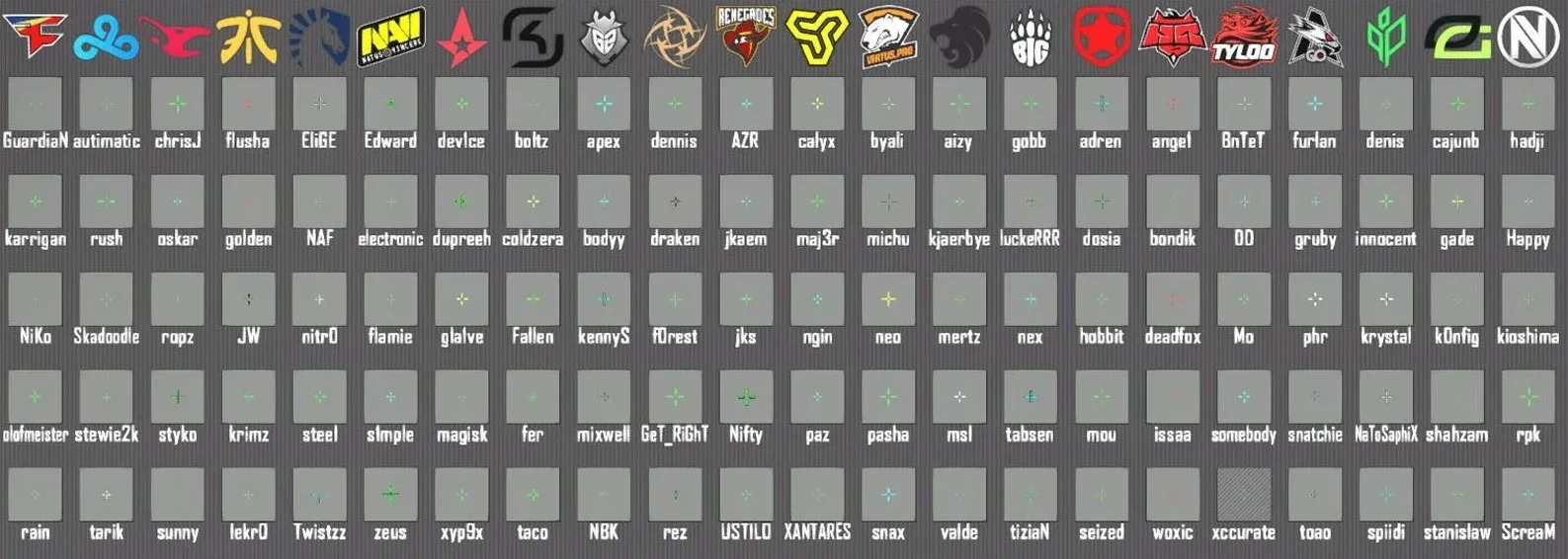
Your crosshair is the small marker that shows where your bullets will land — and it plays a big role in your accuracy.
Most players prefer static crosshairs (which don’t move while shooting) for consistency, while dynamic crosshairs (which expand with movement) help beginners understand recoil.
You can fully customize your crosshair’s size, color, and style, or even use a pro player’s crosshair to start with. Many players copy setups from pros like s1mple, NiKo, ZywOo, or m0NESY, whose crosshairs are publicly shared through in-game codes.
Pick one that feels clear and easy to track — a simple, visible crosshair often makes all the difference.
Final Tips
- Turn off mouse acceleration: It messes with your consistency. Make sure it’s disabled in both Windows and CS2 settings.
- Use a large mousepad: Low sensitivities require more room to move freely.
- Maintain consistent DPI across games: If you play other shooters, keeping the same DPI helps muscle memory transfer smoothly.
- Practice daily: The more you play with one setup, the more natural your aim will feel.
Conclusion
Perfecting your CS2 mouse settings isn’t about copying pro players — it’s about finding what works for you. Start with a reasonable DPI, experiment with sensitivity, and fine-tune your crosshair until it feels comfortable and reliable.
Once your setup feels right, stop changing it and focus on improving your gameplay. Consistency breeds precision — and in CS2, precision wins games.