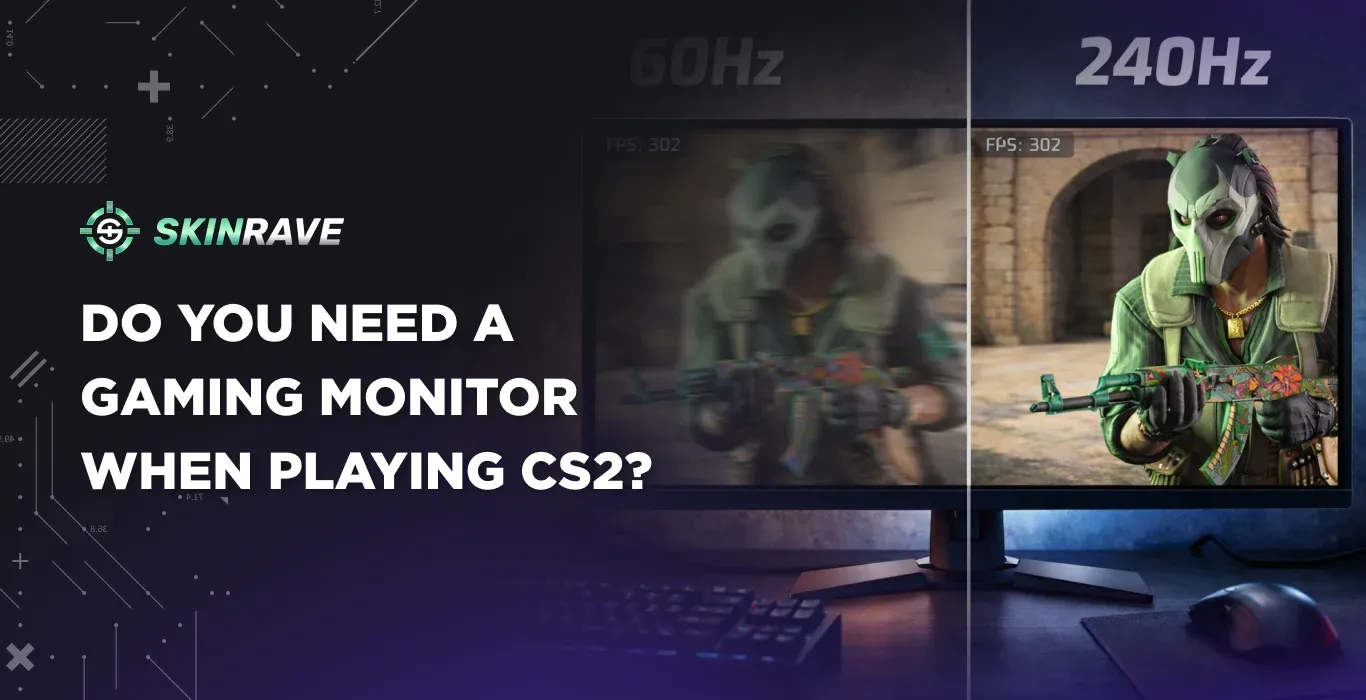

Do You Need a Gaming Monitor When Playing CS2?
Counter-Strike 2 is the pinnacle of competitive first-person shooters, and every millisecond determines the outcome of every fight, which boils it down to split-second decisions.
In a game where precision and reflexes play such a significant role, your monitor is not just a monitor; it is an essential tool of your gaming arsenal. But does every CS2 gamer need a high-refresh-rate monitor, or is this just another marketing gimmick?
The answer is not as simple as a "yes" or "no" response. Professional players have a strong preference for certain monitor specifications. But these devices, which provide an advantage for world-class players, may provide less of an advantage for casual players. This article will explore the stats, reveal what monitor professional CS2 players use, as well as offer advice.
What Professional CS2 Players Actually Use
After analyzing various professional CS2 players, the results speak for themselves: all top-tier players use at least 240Hz monitors, with 360Hz fast becoming the new norm. Even top-ranked players such as ZywOo use the ZOWIE XL2566K (360Hz), whereas legends such as NiKo opt for the tried-and-true 240Hz monitors.
The dominance in preference for ZOWIE gaming monitors can be seen as no coincidence. Gamers want competitive features instead of high-quality visuals: TN panels for faster response times, DyAc motion blur reduction, and 24-25 inch sizes that minimize eye movement. Also, gamers prefer 1080p over 1440p as it allows higher frame rates. Looks like prioritizing competitive advantage over quality.
Understanding Refresh Rates: The Frame Time Reality
Refresh rate determines how many times per second your monitor updates. Here's what the numbers actually mean:
- 60Hz: 16.67ms per frame
- 144Hz: 6.94ms per frame (9.73ms improvement)
- 240Hz: 4.17ms per frame (2.77ms faster)
- 360Hz: 2.78ms per frame (1.39ms faster)
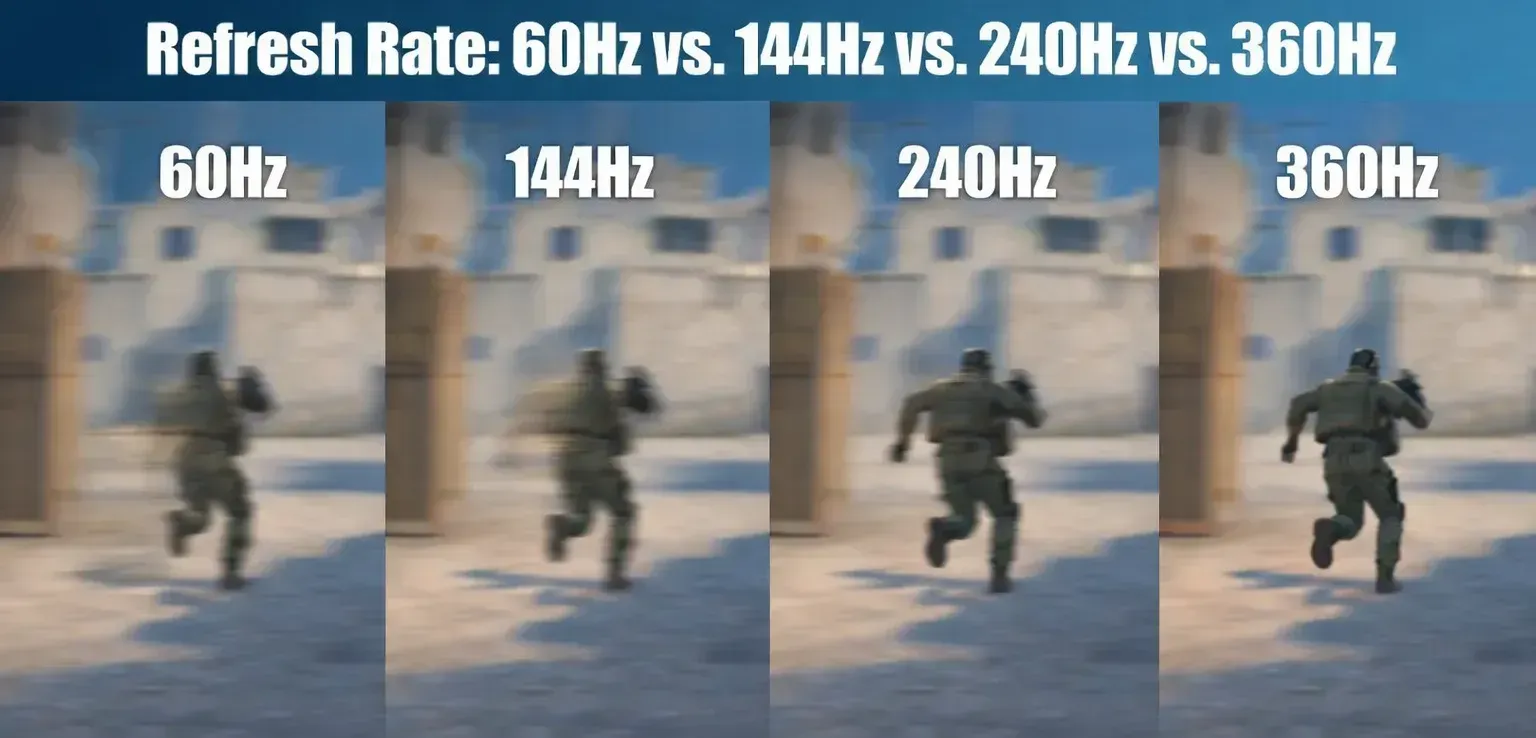
Notice the diminishing returns? Jumping from 60Hz to 144Hz shaves off nearly 10 milliseconds, which is massive for competitive play. But going from 240Hz to 360Hz only saves 1.39ms. This is crucial when considering your budget.
The Visual Difference: What You'll Actually Notice
The jump from 60Hz to 144Hz is something that everybody recognizes instantly – the difference in smoothness is huge, and reacting to crosshair movement and target location is much nicer. After this, even though the leap to 240Hz is not as dramatic, esports enthusiasts will appreciate the extra sensitivity during intense battles.
For others, there is no use going over 240Hz as there will be no perceivable difference in the heat of battle. This has actually been proven – players on the 240Hz monitor respond 30ms faster than on a 60Hz screen.
Do You Actually Need One? The Honest Answer
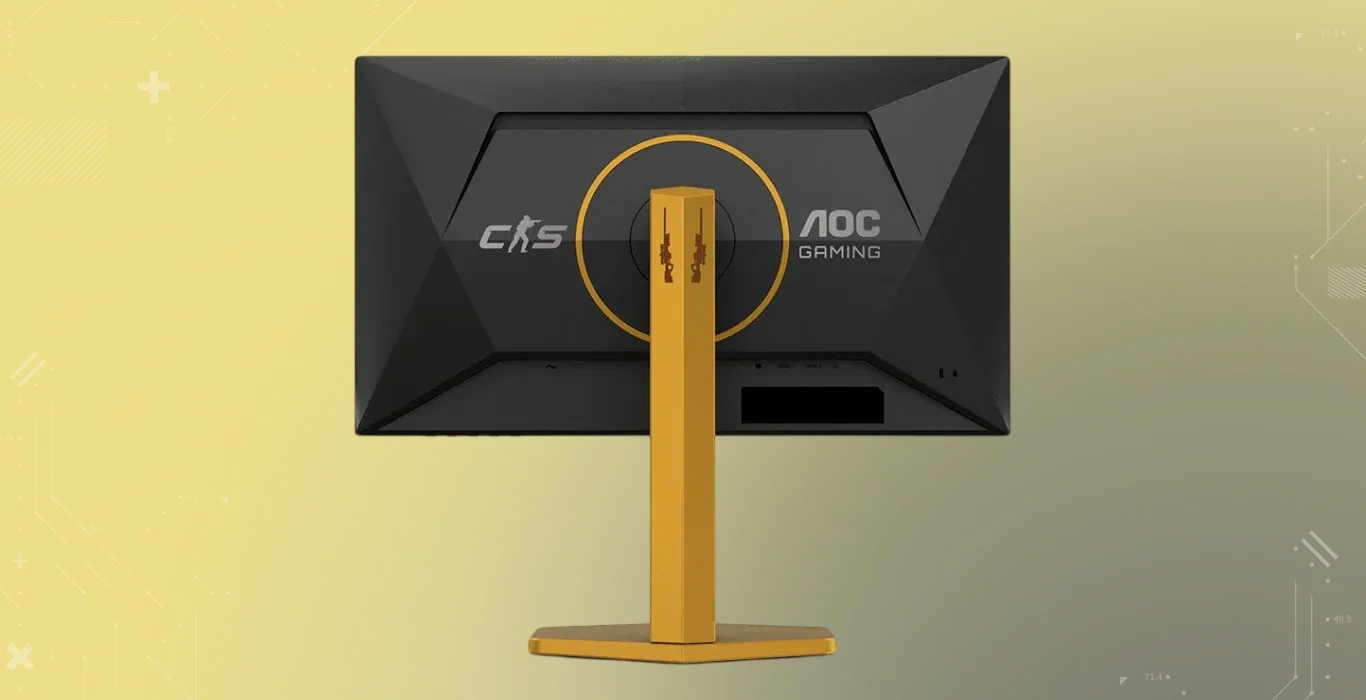
Before you rush to upgrade your setup, it’s worth asking a simple question: Do you actually need a gaming monitor? High refresh rates, flashy specs, and pro-player endorsements make it sound like a must-have – but for most players, the answer isn’t that straightforward.
You should prioritize a gaming monitor if:
- You play competitively at Faceit level 7+ or ESEA rank A-
- Your PC maintains 144+ FPS consistently
- You've mastered fundamentals (crosshair placement, spray control)
Skip the upgrade if:
- You play casually (matchmaking only)
- You're still learning basic mechanics
- Your PC can't hit 144 FPS reliably
Reality check: A 360Hz monitor won't boost a Silver player to Global. Equipment amplifies existing skill – it doesn't create it.
Recommendations for Every Budget
Premium ($400-600+): 360Hz at 1080p, 24-25 inches. For serious competitive players at Faceit 8+.
Mid-tier ($200-400): 240Hz at 1080p. The sweet spot offering 90% of pro-level performance at half the cost. Ideal for Faceit 3-8 players.
Entry-level ($150-250): 144-165Hz at 1080p. The most impactful upgrade from 60Hz, providing massive competitive advantages for minimal investment.
Stuck with 60Hz? Optimize What You Have
If you can't upgrade yet, there's no need to worry. These tweaks will help you improve your gameplay without spending any money:
- Disable VSync in both CS2 and GPU settings (massive input lag reduction)
- Set fps_max 0 to uncap frame rates – higher FPS reduces input lag even on 60Hz
- Use fullscreen mode (borderless windowed adds latency)
- Enable NVIDIA Reflex if you have an NVIDIA GPU
Most importantly, master fundamentals before obsessing over equipment. A skilled player on 60Hz dominates a mediocre player on 360Hz every time.
The Verdict
The data is clear: every professional CS2 player uses high-refresh-rate monitors because they provide genuine competitive advantages. However, these advantages scale with skill level.
For casual players, a basic 144Hz monitor offers incredible value. For competitive players pushing Faceit 5-10, 240Hz becomes increasingly worthwhile. Only at the highest levels does 360Hz+ justify its premium cost.
The best equipment upgrade isn't hardware at all – it's the hours invested in aim training, demo review, and deliberate practice. Choose a monitor that fits your skill level and budget, then focus on becoming the player who deserves that equipment. The player makes the plays, not the equipment.