
How to Get Cases in CS2: Full Guide
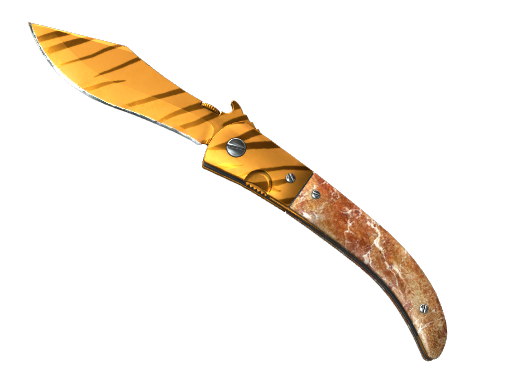
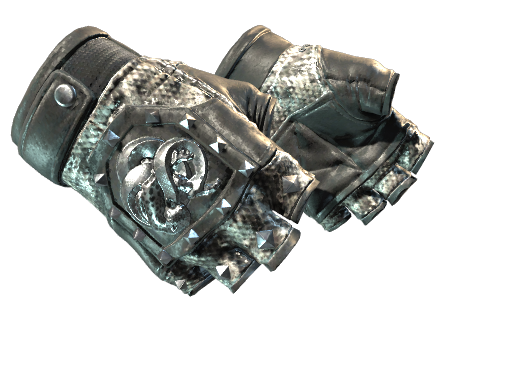
Counter-Strike 2 cases are virtual loot containers filled with cosmetic items (weapon skins, and knives or gloves) that players can unbox for fun and potential profit.
Introduced originally in CS:GO’s 2013 “Arms Deal” update, skins themselves do not affect gameplay. Instead, they are prized for their aesthetics and trade value.
Each case has its own unique items, ranging from Consumer Grade to Exceedingly Rare. The thrill of possibly unboxing a rare skin or a knife adds excitement to the game, and every item has real-world value.
In short, cases turned CS2 into a virtual economy: collectors and traders prize them, and opening them can yield anything from cheap blue skins to rare, high-value red Covert items.
What You Can Get from Cases
Each CS2 case opens to reveal a random prize.
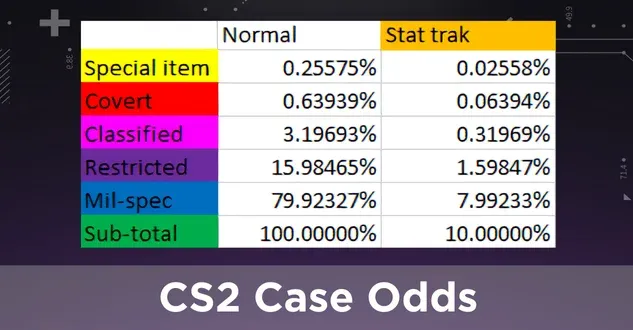
Typically, you’ll get one weapon skin and sometimes other items like stickers or graffiti. The possible rewards follow rarity tiers:
- Mil-Spec (Blue): Most common drops
- Restricted (Purple): Less common
- Classified (Pink): Rare
- Covert (Red): Very rare
- Exceedingly Rare (Gold): Extremely rare
Rare skins can fetch high prices, while common drops are worth only a few cents.
All skins have unique textures and “float values” that affect their look and market price.
In practice, most players aim to unbox cases because cases themselves tend to hold or increase their own value if they become rare or popular. Whether you keep what you get, trade it, or sell it, opening a case can significantly grow your CS2 inventory both visually and financially.
Ways to Obtain Cases in CS2
There are many paths to adding cases to your CS2 inventory. Below are the most common methods:
Play Matches for Free Drops
CS2 uses a weekly reward system. Players with Prime status who earn enough XP in official matches each week receive a “Care Package” drop.
Each weekly package offers a set of four items (often including one case), from which you pick two. In practice, this means after you level up by gaining 5,000 XP in a week, you get a one-time choice of rewards – usually one weapon skin and one case. To be eligible, you must have Prime status (the premium upgrade) and play on official VAC-secured servers.
In short, gaming is the easiest free way: jump into Competitive, Casual, or Deathmatch, earn XP, and you’ll eventually earn case drops as part of your weekly rewards.
Steam Marketplace
The Steam Community Market lets you buy cases directly from other players using real money.
Simply search the CS2 cases section of the Market and purchase any available case for its listed price. This is often the most direct way to get a specific case you want, though prices tend to fluctuate.
New or rare cases can cost several dollars, while common ones may be as low as a few cents. After purchase, the case appears in your Steam inventory immediately, no waiting required.
Trading and Community Sites
You can trade cases with friends or other players. If you or someone you know has spare cases, offer trades to exchange for the cases you want.
There are also third-party trading forums, Discord servers, and websites where players post trade offers.
Always use reputable trading communities to avoid scams.
Additionally, specialized CS2 skin-trading platforms sometimes facilitate case-for-case or case-for-item trades. In all these trades, mutual agreement is key – offer something (another case or item) that the other player wants, and negotiate a swap.
Armory Pass
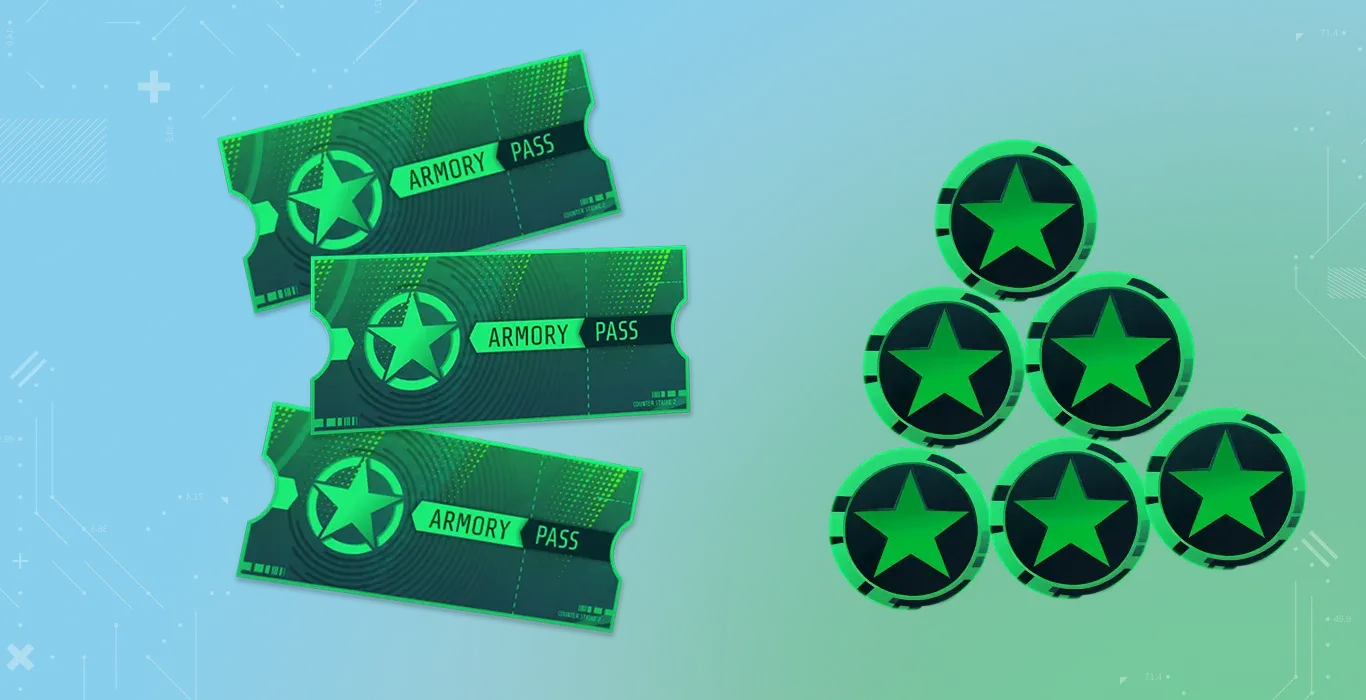
Buying an Armory Pass (around $16 each) lets you earn XP and unlock cosmetics and credits. Some cases are only obtainable through the Armory Pass reward store – they cost Armory Stars instead of money.
For example, currently, the Fever Case is “Armory-only,” meaning you must spend stars earned via the pass to get them.
To use this, buy and activate an Armory Pass, complete in-game challenges to earn stars, then spend stars on current event cases.
Each Armory pass grants up to 40 stars (1 star per 300 XP earned), and event cases often cost just 2 stars each, making this a low-cash-cost way to collect cases.
Buying from Third-Party Websites
Besides Steam, some third-party marketplaces sell CS2 cases, often at lower prices or in bulk. These sites allow wallet purchases and can be cheaper than Steam, though you must trust the site’s trade process.
Always verify the site’s reputation.
Free Promotions and Events
Watch for giveaways and special events.
CS2 communities, streamers, and eSports tournaments often hold giveaways or contests that award free cases or keys.
Also, during some CS2 events or Majors, Valve may reward players with free souvenir cases or event cases (for example, by participating in Pick’Em challenges). These events require active participation and reward generously.
Similarly, third-party sites sometimes give free cases to new users or for completing small tasks.
Finally, many players simply share free codes or run giveaway events on Reddit, Discord, and social media.
By staying connected with the CS2 community and influencers, you can often snag a case without spending a dime.
How to Open Cases in CS2
Once you have a case (whether dropped, traded, or bought), opening it is straightforward but requires a key (these also cost real money on Steam). Here’s how it works:
- Buy a Case Key: Each case requires a matching “CS2 Case Key” sold in the Steam Store (about $2.50 each). You can purchase keys individually or in bulk. Watch for Steam sales or bundles to save a bit. Remember, a key can only open one case of the same series.
- Open the Case: In your CS2 Steam inventory, select the case you want to open. Click the “Open” button, then choose a key from your inventory when prompted. CS2 will show an exciting animation as the case unlocks and reveals your item.
- Receive and Use the Item: After the animation, the new skin (or sticker, etc.) automatically appears in your inventory. From there, you can equip it on a weapon, trade it to another player, or list it on the Steam Market to sell. (Cases themselves, once opened, are removed from your inventory, so only the unboxed item remains.)
Tips and Summary
- Plan Your Drops: Since you only get one care package each week (after 5000 XP), try to level up early in the week. That way, you receive your case before the weekly reset (Tuesday 8:00 PM CT), giving you more time to trade or sell at high value.
- Trade Smartly: When buying on the market or trading, check current prices on a site like Steam or a price-tracking tool. Some new or retired cases spike in value, so you might prefer to hold or trade for a higher-priced case.
- Enjoy the Process: Case hunting is part of CS2’s fun. Whether you seek out a shiny new skin or just enjoy the opening thrill, remember it’s ultimately about entertainment.