
How to Play CS2 on MacBook: Your Complete 2026 Guide
When Valve launched Counter-Strike 2 in 2023, they officially left Mac users behind. Valve justified the move by citing that macOS (along with older 32-bit systems) represented "less than one percent" of the active CS:GO player base.
But with the game boasting 25 to 30 million monthly players at the time, that simple 1% meant over 250,000 real people were suddenly locked out.
It's a tough pill to swallow, especially since modern Apple Silicon chips have finally caught up to traditional PC gaming hardware. But while native support is dead, the community has found ways to keep playing. Every method for running CS2 on a Mac today requires a workaround, so let’s look at exactly what it takes to get the game running.
CS2 System Requirements: Can Your MacBook Handle It?
CS2's official minimum requirements target Windows, but you'll want at least this under the hood before attempting to run it on Mac:
- CPU: Intel Core i5 or Apple M1 equivalent
- RAM: 8 GB minimum (16 GB recommended)
- Storage: 85 GB of free disk space
- GPU: DirectX 11 compatible (or equivalent via emulation)
Method 1: Boot Camp (Intel Macs Only)
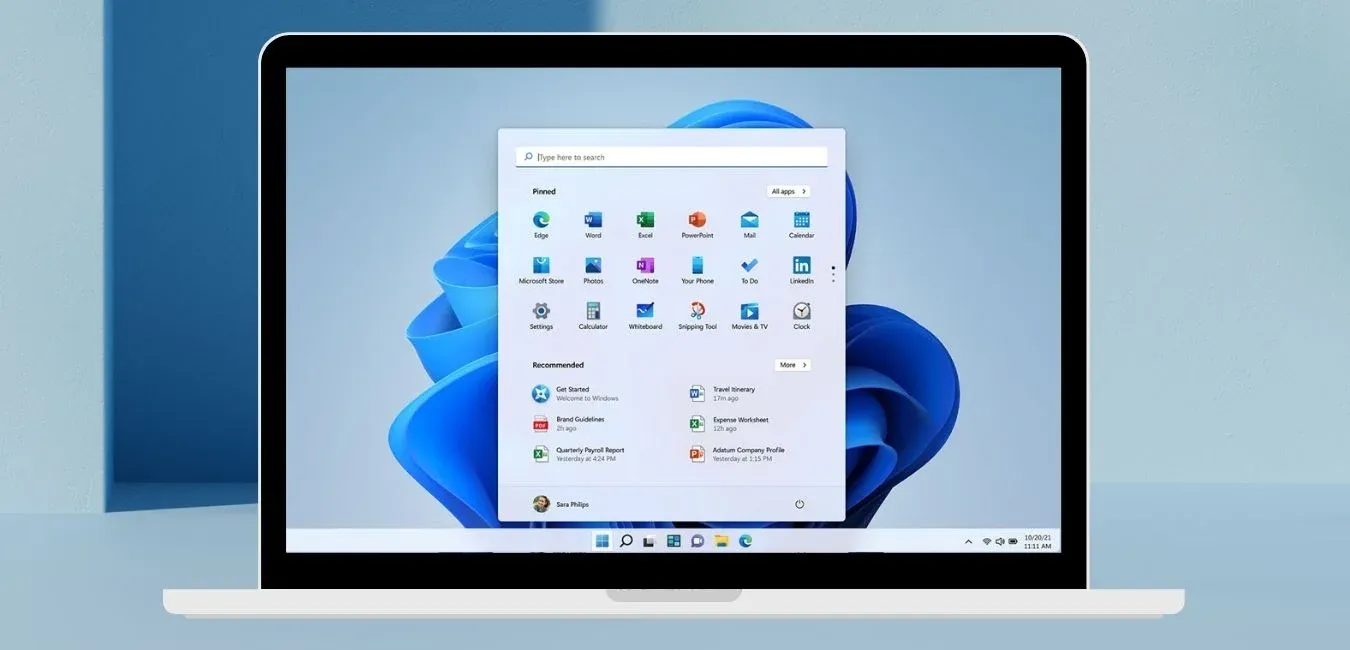
Boot Camp installs Windows on a separate partition of your drive. Booting into Windows means zero emulation overhead – performance is excellent, comparable to a mid-range gaming PC. You can download Boot Camp on Apple’s official website. Just know that you'll need a Windows ISO, a license key, and at least 150 GB of free space.
Boot Camp is only available on Intel Macs. M1/M2/M3 users should skip to Method 2.
Steps:
- Open Finder → Applications → Utilities → Boot Camp Assistant and click Continue.
- Point Boot Camp to your Windows ISO, then set the partition size to at least 150 GB.
- Click Install. Your Mac restarts into the Windows installer.
- Select the BOOTCAMP partition, click Format, then Next, and complete the Windows setup.
- When Windows is running, install the Apple drivers Boot Camp prompts you with (graphics, audio, trackpad).
- Download the Windows version of Steam from store.steampowered.com, install it, and install CS2 from your library.
Hold the Option key on restart to switch between Windows and macOS.
Method 2: CrossOver (All Macs, Including Apple Silicon)
CrossOver is a paid Wine-based compatibility layer (~$74, 14-day free trial) that runs Windows apps directly on macOS – no Windows license needed. It's the most stable option for M1/M2/M3 users and is actively maintained with CS2 support.
We don’t encourage you to buy anything. This guide only explains the ways of playing CS2 for Mac users.
Steps:
- Download the CrossOver from codeweavers.com, open the .dmg, and drag it to Applications.
- In CrossOver, click "Install a Windows Application", search for Steam, and install it.
- Launch Steam.exe from CrossOver's Installed Programs, log in, and install CS2.
- In the bottle's configuration, enable DXVA and ESync for better performance.
- Click Play in your Steam library – CS2 will launch through CrossOver.
Set Video Mode to Fullscreen and most Advanced Video settings to Medium or Low for the best framerates.
Method 3: Parallels Desktop (Virtualization)
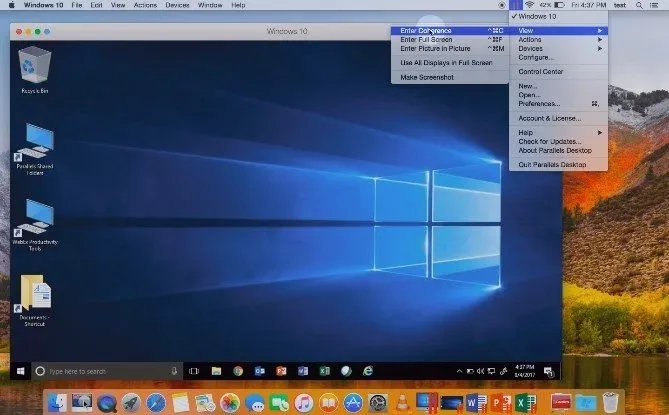
Parralels runs a full Windows VM alongside macOS – no restart needed. It's handy if you already use it for work, but it requires both a Parallels subscription and a Windows license. Also, you should expect lower performance than Boot Camp or CrossOver as it requires a lot of RAM; best on M2 Pro / M3 with 16+ GB RAM.
We don’t encourage you to buy anything. This guide only explains the ways of opening CS2 on Mac.
Steps:
- Install Parallels Desktop from parallels.com and open it.
- Click "Install Windows" – on M-series Macs, Parallels downloads Windows 11 directly. Allocate at least 8 GB RAM and 150 GB storage to the VM.
- Inside Windows, download the Windows version of Steam, install it, and install CS2.
- Launch CS2 and set graphics to Low or Medium to improve framerates in the VM.
Turn off "Enable nested virtualization" in Parallels settings and assign as many CPU cores as you can spare.
Method 4: Whisky (Free, Apple Silicon Only)
Whisky is a free, open-source Wine wrapper for macOS – CrossOver's no-cost sibling. It's popular with M-chip users who don't want to pay. Using Whisky requires more manual setup.
Whisky is no longer actively maintained. It still works, but it could break with future CS2 or macOS updates. For regular play, CrossOver is more future-proof.
Steps:
- Download Whisky, unzip it, and drag Whisky.app to Applications.
- Launch Whisky – if macOS warns you, right-click → Open → Open. It will install Rosetta, Wine, and the Apple Game Porting Toolkit automatically.
- Click "+" to create a new Bottle and select Windows 10.
- Go to store.steampowered.com on your Mac, click the Windows logo, and download SteamSetup.exe.
- In Whisky, click Run, navigate to SteamSetup.exe, and complete the Steam install.
- Enable DXVK in the bottle configuration, then launch Steam.exe and install CS2.
- Right-click CS2 in Steam → Properties → Launch Options and add: -nojoy -novid -console -low
Also, enable ESync alongside DXVK if you experience crashes. Most M1/M2 users hit ~60 FPS with these settings.
Method 5: Cloud Gaming
Cloud gaming streams CS2 from remote servers to your MacBook – your hardware doesn't run the game at all. Even older Macs handle it well, provided you have 50+ Mbps internet. GeForce NOW offers a free tier (1-hour sessions on RTX 40-series hardware); Boosteroid is a paid monthly alternative.
We don’t encourage you to buy anything. This guide only explains the ways of opening Counter-Strike 2 on Mac.
Steps (GeForce NOW):
- Create a free account at the website and download the Mac app.
- In Settings, link your Steam account (your Steam profile must be set to Public).
- Search for CS2 and click Play – it streams directly from NVIDIA's servers.
- If you experience lag, lower streaming quality in settings, or switch to a wired connection.
For competitive play, upgrade to a Priority or Ultimate membership for dedicated low-latency servers.
Which Method Should You Choose?
- Intel MacBook + best performance → Boot Camp
- M1/M2/M3 + willing to pay → CrossOver (most stable)
- M1/M2/M3 + completely free → Whisky (less stable, unmaintained)
- Already use Parallels + casual play → Parallels Desktop
- Older Mac + fast internet + zero setup → Cloud Gaming
Performance Tips
- Use launch option -nojoy in CrossOver and Parallels – it noticeably improves Mac framerates.
- Lower resolution and video settings – competitive CS2 doesn't need to look stunning.
- Use a wired mouse – Bluetooth adds latency that matters in gunfights.
- Close background apps before launching to free up RAM.
- Keep your Mac on a hard surface with airflow – sustained gaming generates serious heat.
Final Verdict
If you were wondering, “Can I play CS2 on Mac?”, then the answer is ultimately yes. CS2 on a MacBook is absolutely possible, it just requires choosing the right tool for your situation.
CrossOver has become the community favourite for Apple Silicon users, Boot Camp remains unbeatable for Intel owners who want pure performance, Whisky offers a free alternative for the budget-conscious, and cloud gaming makes the game accessible to anyone with a solid internet connection.
Pick your method, dial in those settings, and start playing.
FAQ
Can you play CS2 on Mac?
Yes, just not natively. Valve dropped macOS support at CS2's launch in 2023, but there are five working methods to run it on a MacBook: Boot Camp (Intel only), CrossOver, Whisky, Parallels Desktop, and cloud gaming via GeForce NOW or Boosteroid. Each method is covered step-by-step in this guide.